Google Keyword Planner is a keyword research tool inside Google Ads that helps you discover keyword ideas and estimate advertising costs.
If you have never used Google Ads before, you must create a campaign to unlock Keyword Planner. You can safely remove the campaign immediately afterward so no ads run and no money is spent.
This guide shows you how to:
Create a temporary campaign
Remove it before ads run
Access Keyword Planner for keyword research
You will briefly create a campaign during this process.
Make sure to remove the campaign before leaving the setup.
As long as the campaign is removed before it runs, you will not be charged.
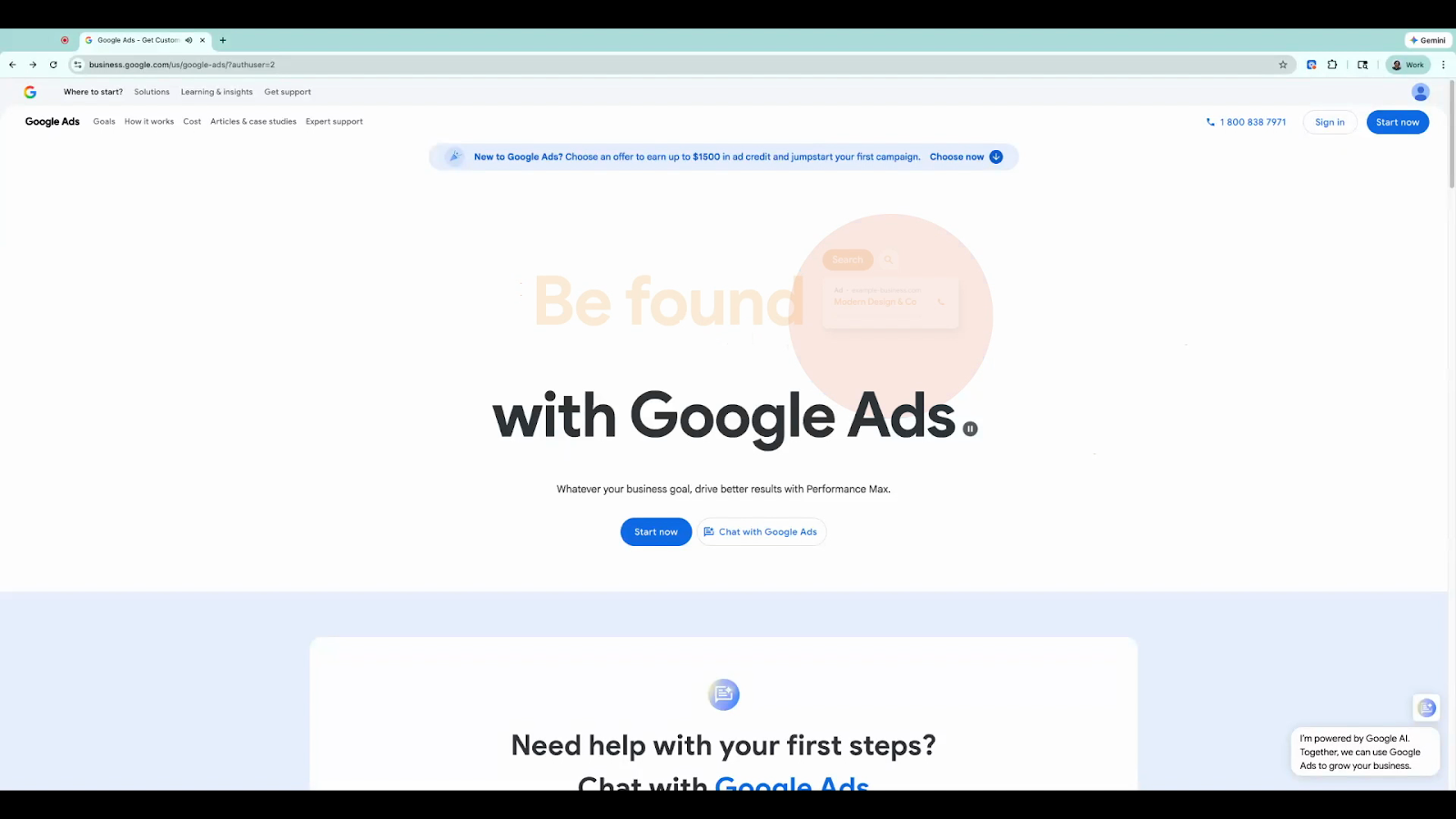
Visit https://ads.google.com
Click Start Now.
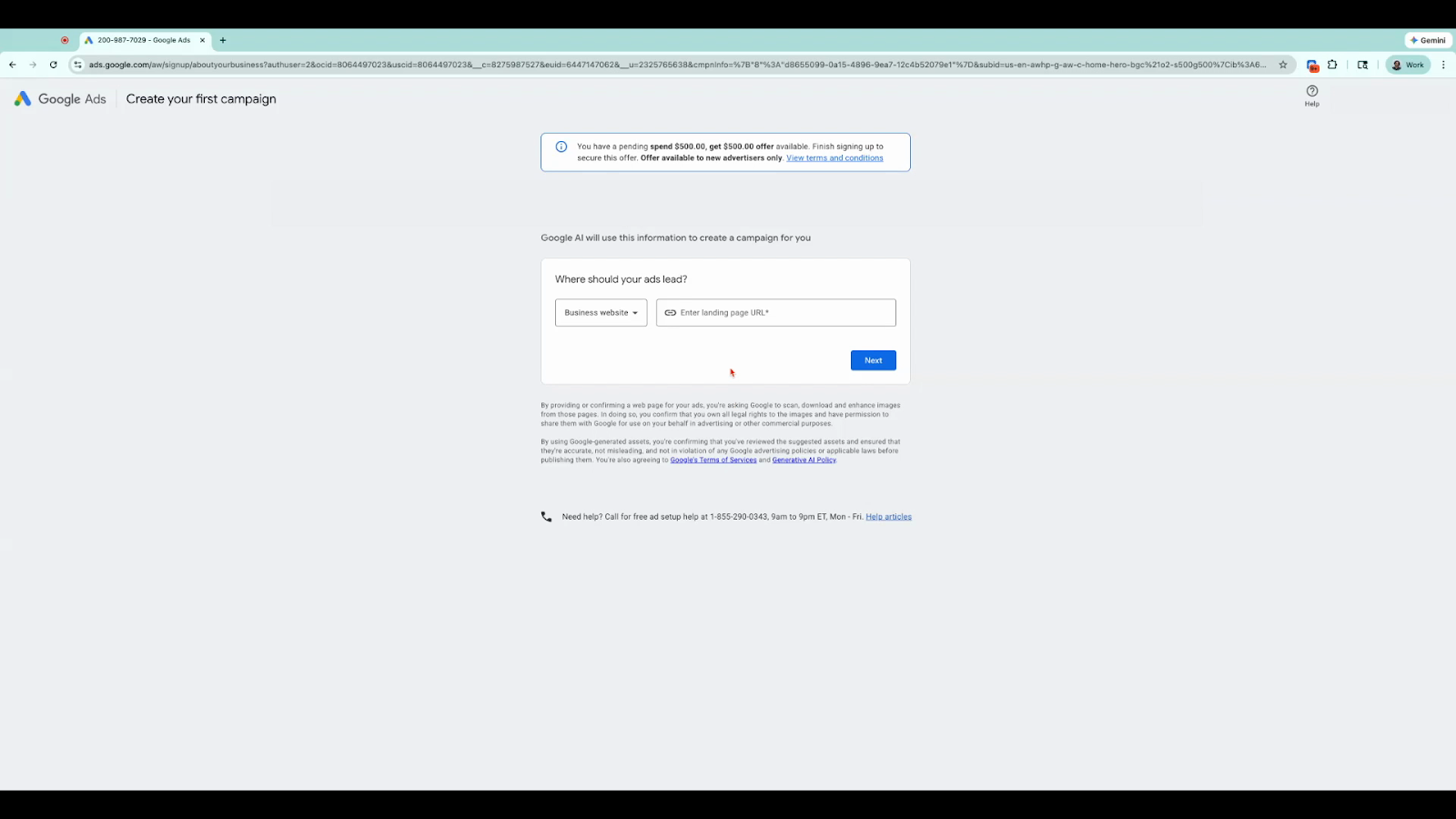
Enter your website URL when prompted.
You may use your own website or any example website.
Since the campaign will be removed later, the website used does not affect anything.
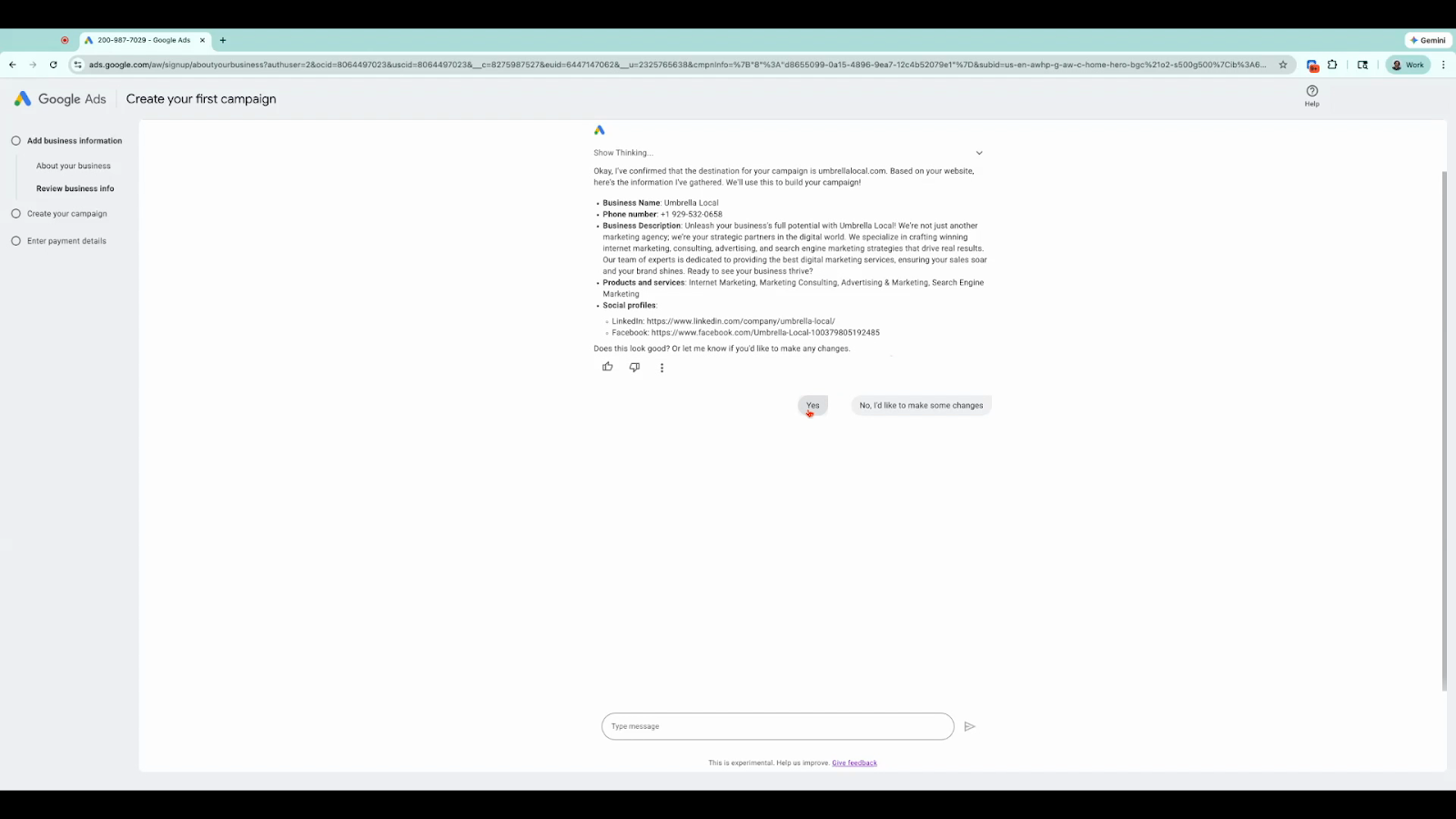
Google will suggest campaign details based on the website you entered.
Click Yes / Continue through the suggested setup options.
Choose the first recommended goal if prompted.
The campaign details are not important because the campaign will be removed later.
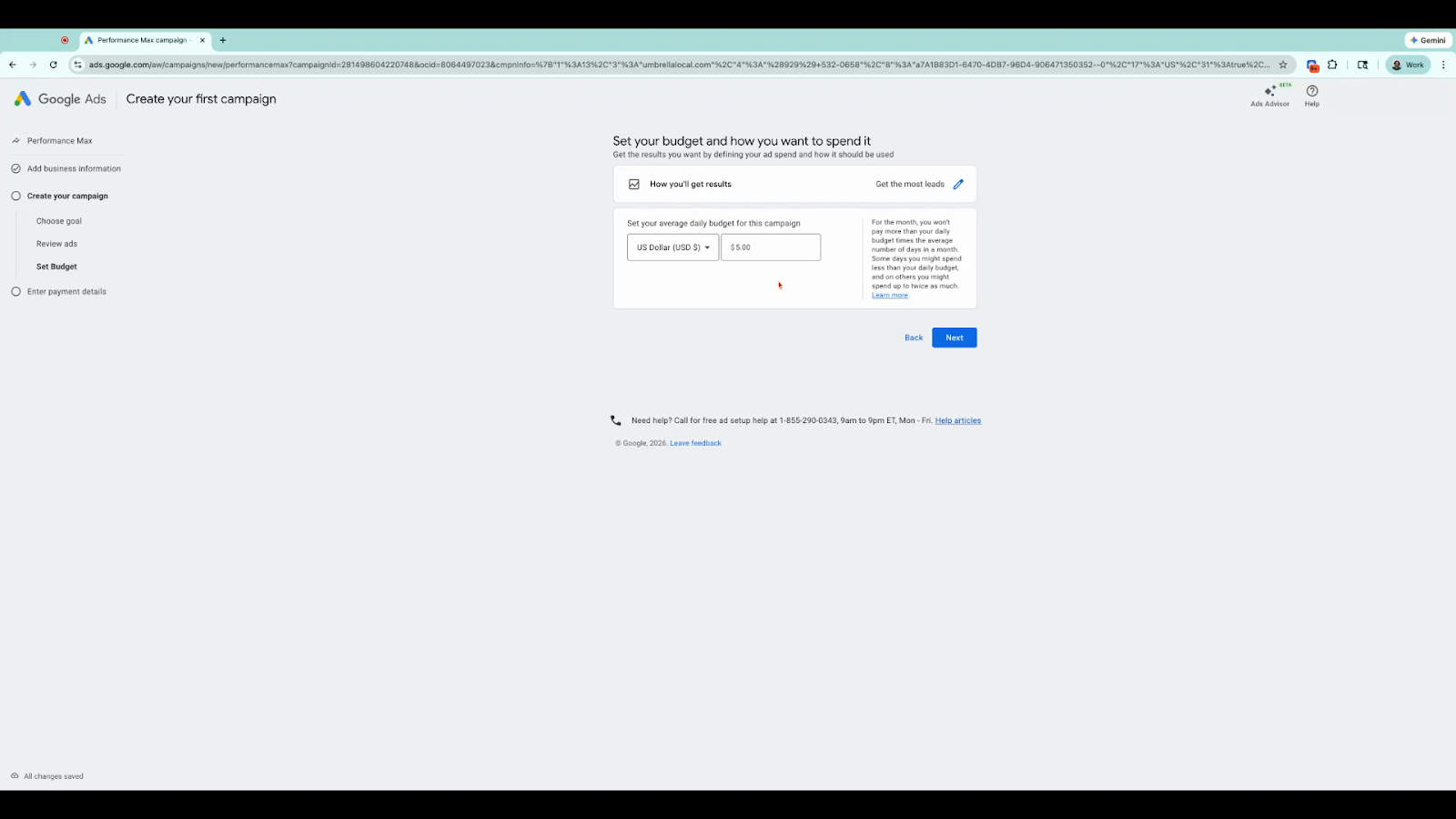
Set a small daily budget such as $5.
Continue to the next step.
You will remove the campaign shortly, so the budget will not be spent.
Enter your credit or debit card information.
Click Finish and Launch.
Google may place a temporary authorization (often around $50) on your card.
This is not a charge and typically disappears within a few days.
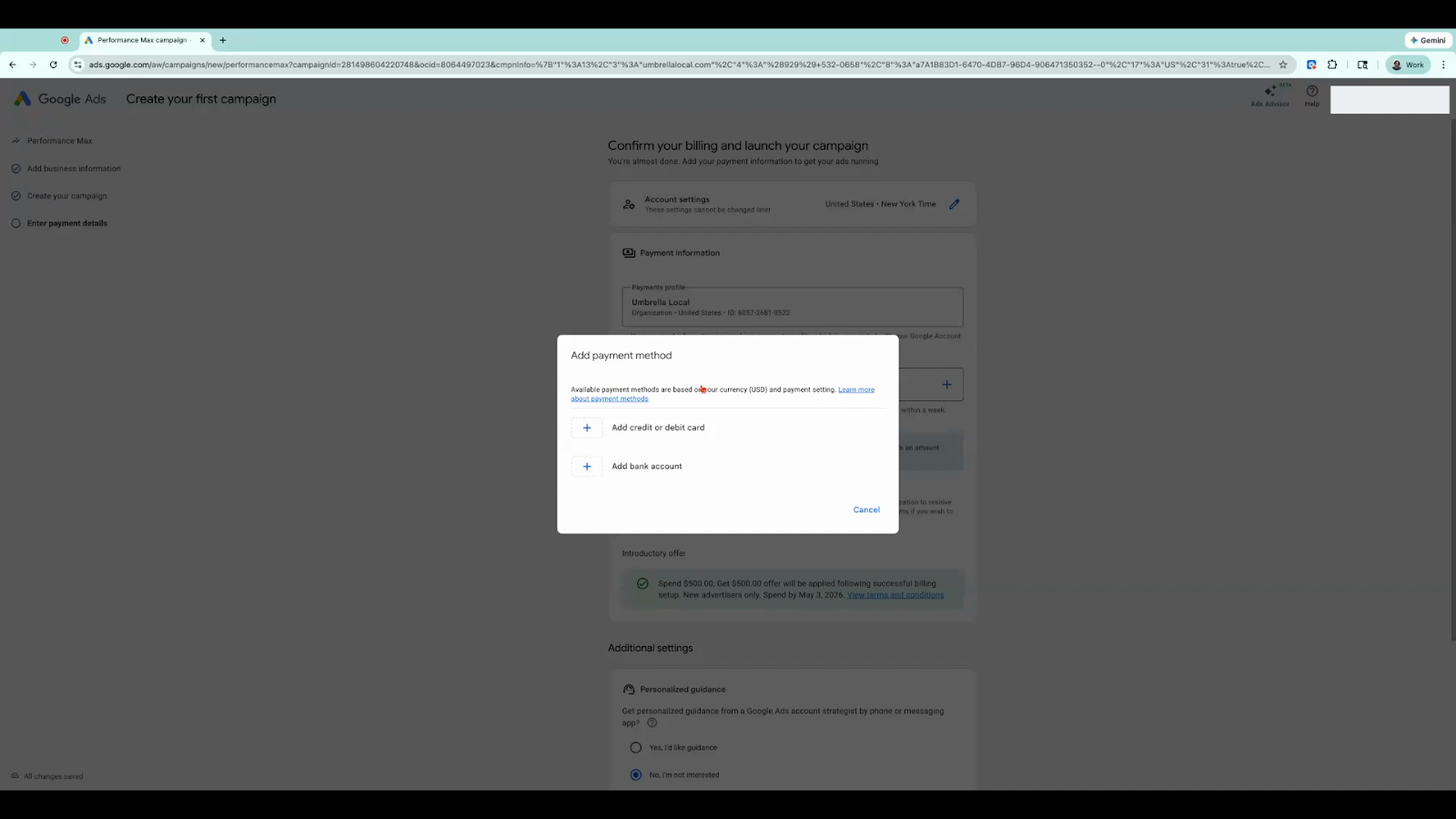
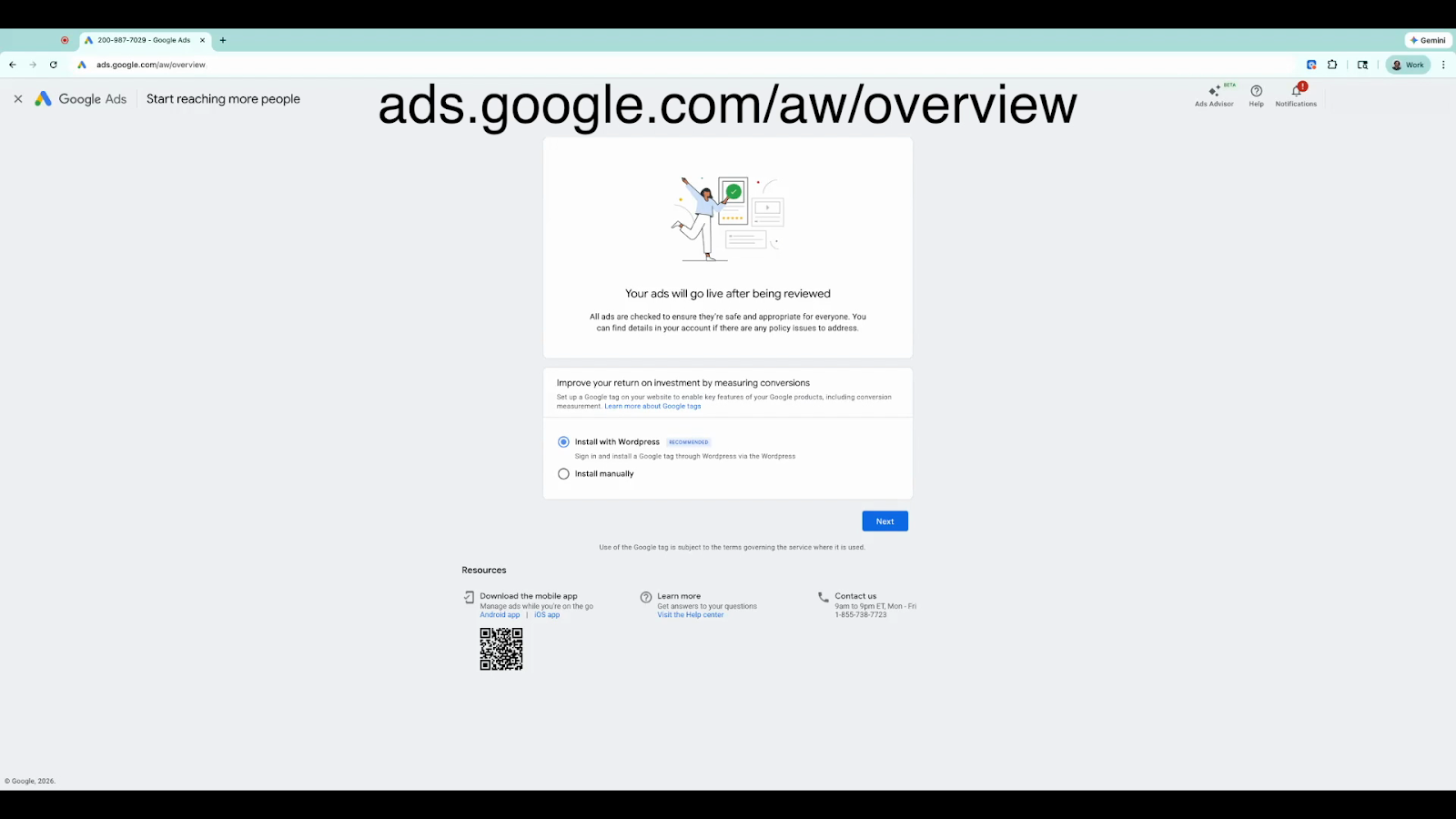
Sometimes Google keeps you on the campaign review screen.
To access your dashboard:
Type the following in your browser:
ads.google.com/aw/overviewPress Enter.
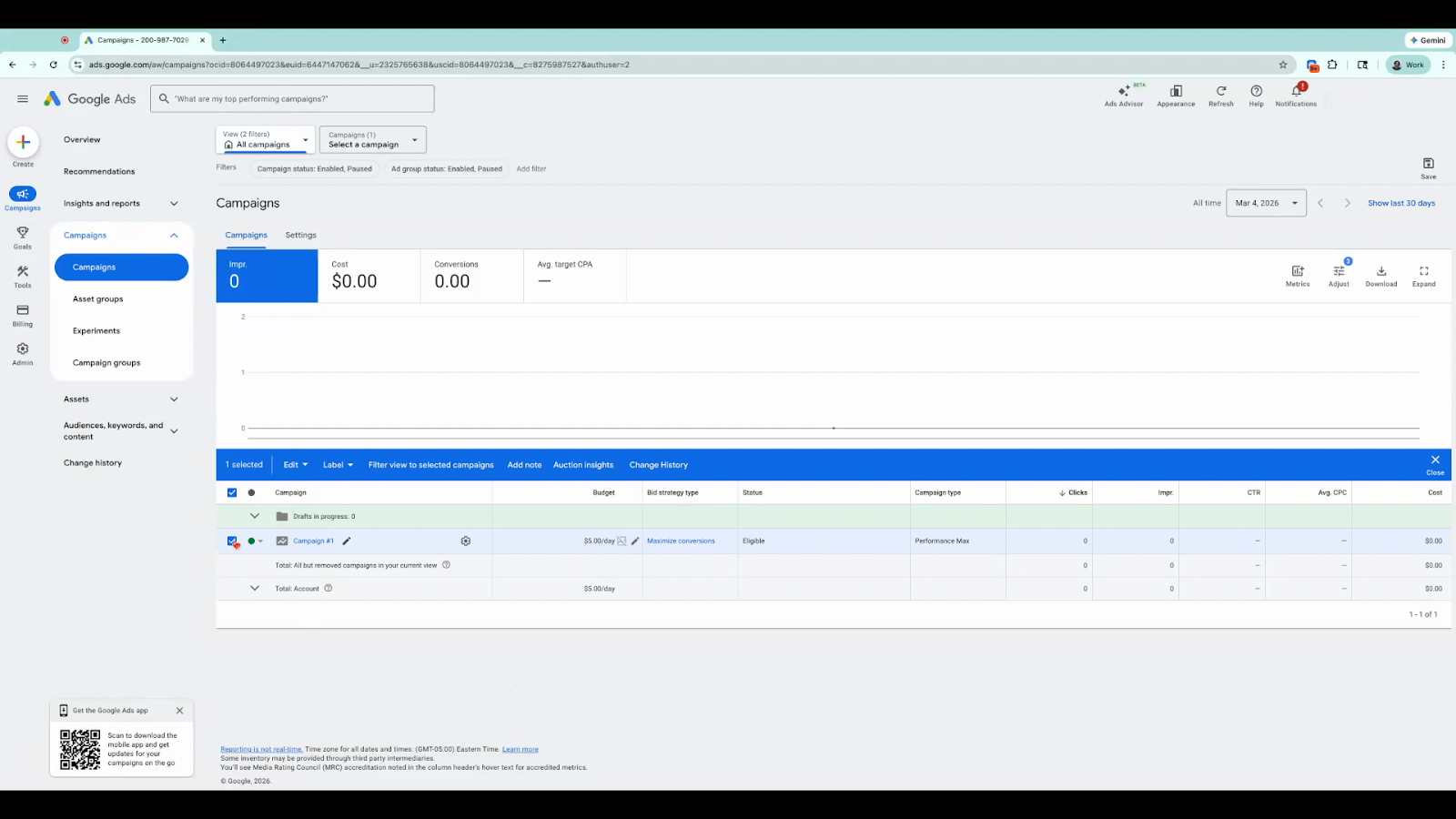
Go to Campaigns.
Check the box next to the campaign you created.
Click Edit.
Select Remove.
Confirm the removal.
Once removed, you will have zero active campaigns and will not be charged.
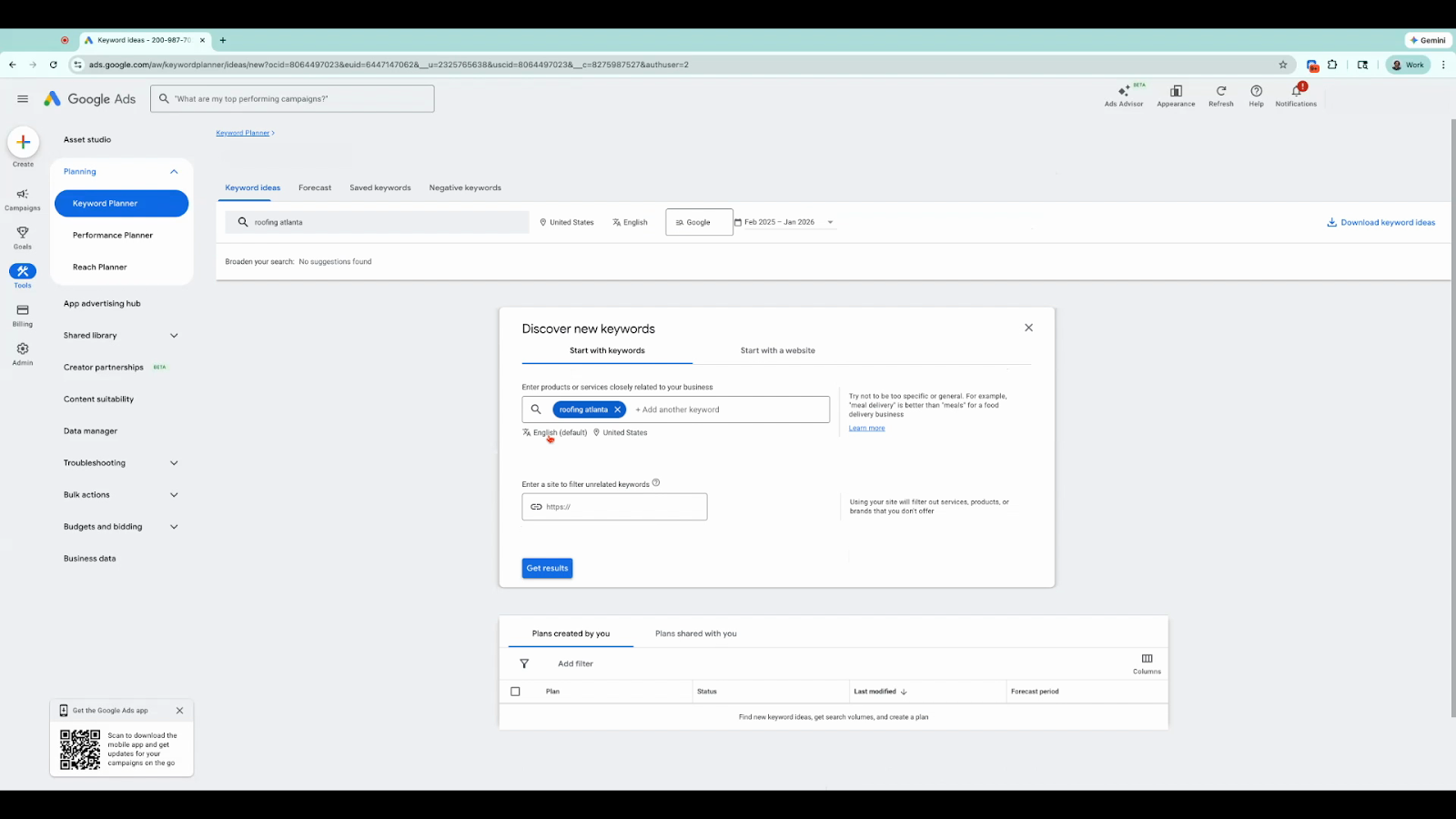
In the left menu, click Tools.
Select Planning.
Click Keyword Planner.
Choose Discover New Keywords.
Enter your keyword or industry and click Get Results.
You will now see keyword suggestions along with estimated cost-per-click (CPC) data.
You now have full access to Google Keyword Planner and can research keywords and advertising costs without running any ads.
