
When you first access your website editor, you will see a section dedicated to showcasing five sample bots for different industries (e.g., Legal, Recruitment, Dental). It is important to understand that these bots are not just placeholders; they are fully functional AI agents that reside in the separate prospecting agent account that was created for you with your AI Agent 360 membership. The goal of this website page is to encourage potential clients to interact with these bots, as a live demonstration is the most effective way to sell their capabilities
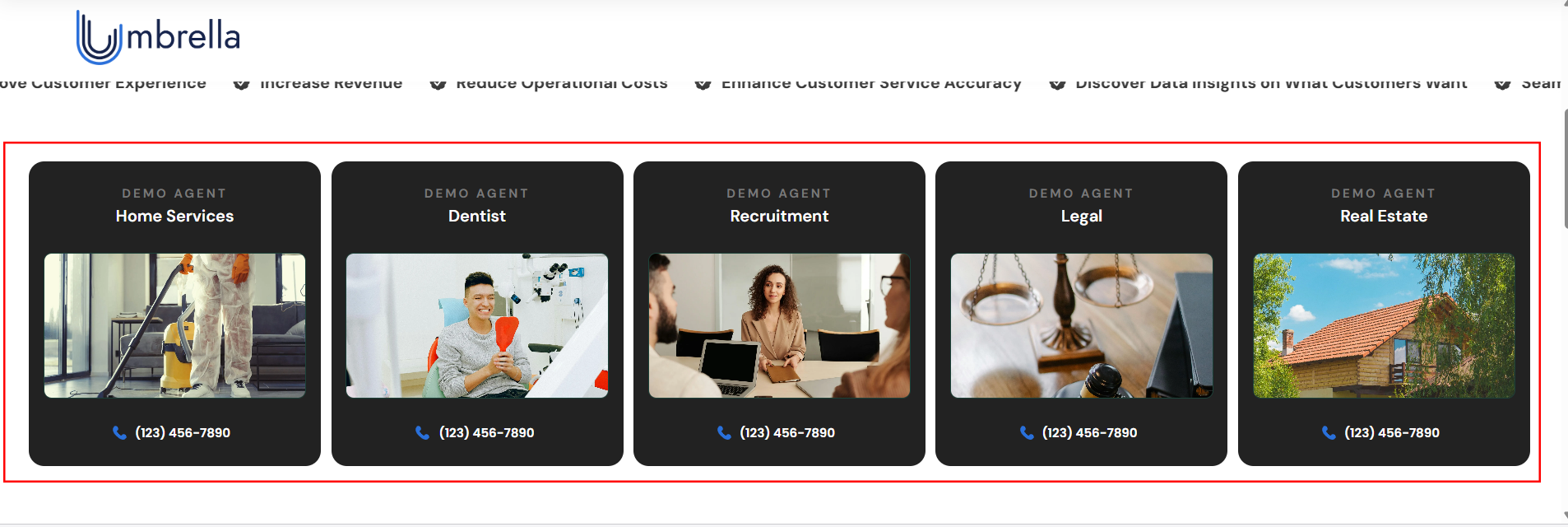
Activate Your Bots with Phone Numbers
For visitors to interact with your sample bots, each bot must be assigned a live phone number. This is a critical step to make your showcase interactive.
Log in to your prospecting agent account (the separate HubOne portal).
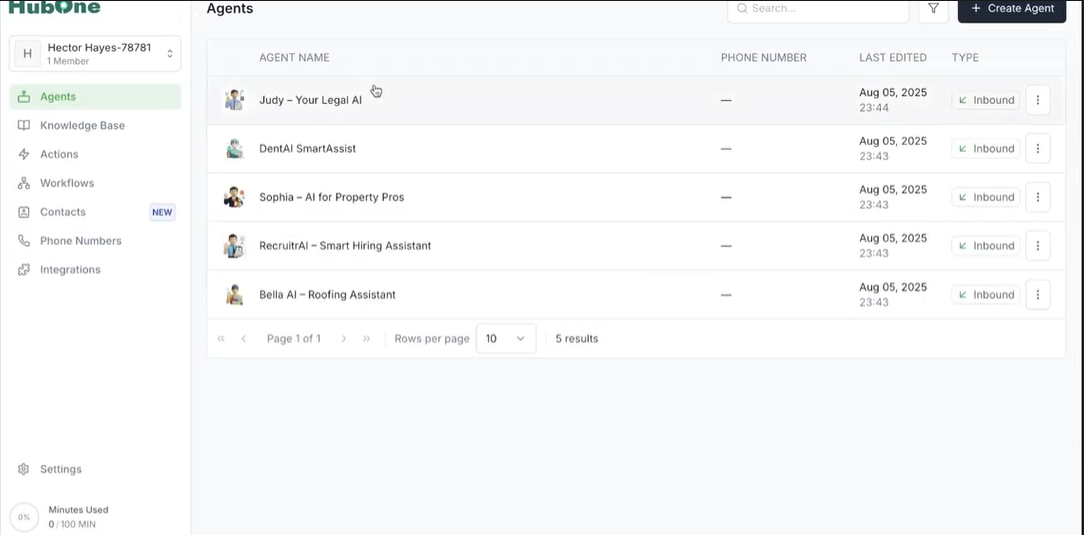
Inside this account, purchase phone numbers for each of the sample bots you intend to feature on your website.
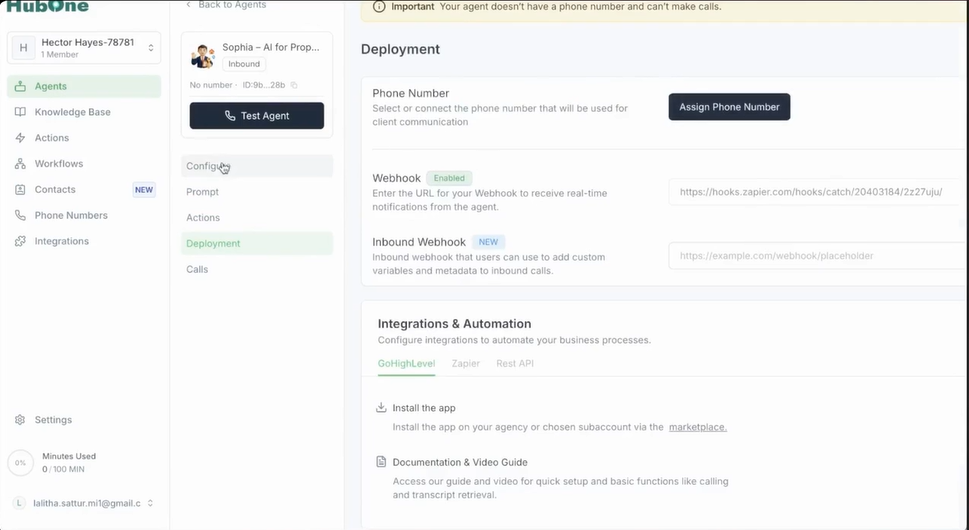
Return to your AIgent360 website editor.
Navigate to the bot showcase section and click to edit the display card for a specific bot (e.g., the "RecruitrAI" bot).
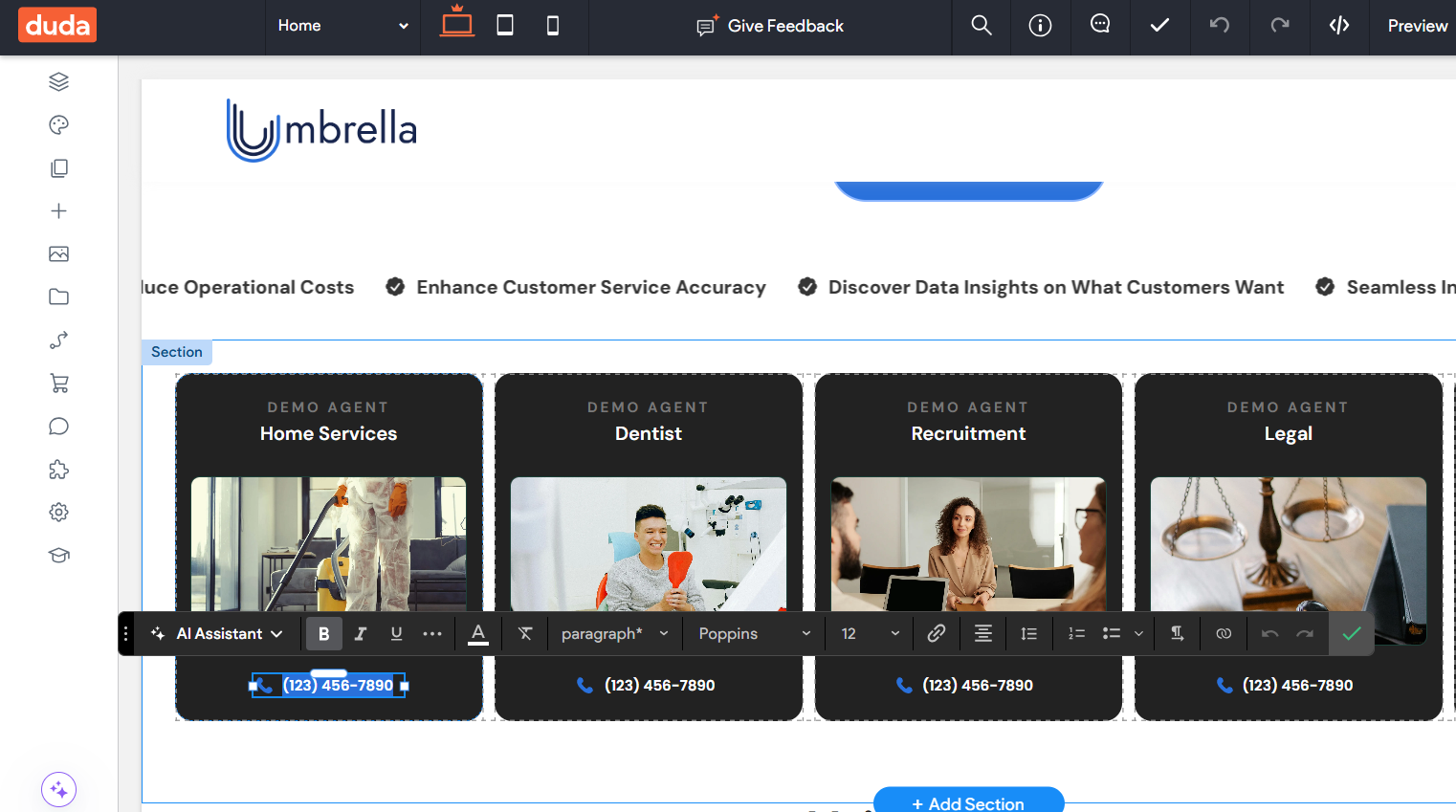
Add the corresponding phone number you just purchased into the designated field on the card.
Repeat this process for all the bots you wish to activate.
Once a number is added, visitors can call it, and the conversation will utilize your 100 free monthly minutes.