
A call transfer moves a live call from one person or department to another, ensuring the caller reaches the appropriate contact. There are three main transfer types:
Cold (Blind) Transfer: Immediately forwards the caller to another recipient without prior notice to that party. Use this when the recipient is known to be available or when there's no need for a handoff introduction.
Warm (Attended) Transfer: Connects you with the recipient first, allowing you to inform them about the caller and situation before completing the transfer. This is ideal for escalated issues or when context is key.
Warm with Contextual Summary: Includes not just an introduction, but also a detailed summary of the caller’s issue or journey. Useful for complex or ongoing cases.
Follow these steps to set up a call transfer:
Go to the Actions section and click Call Transfer.
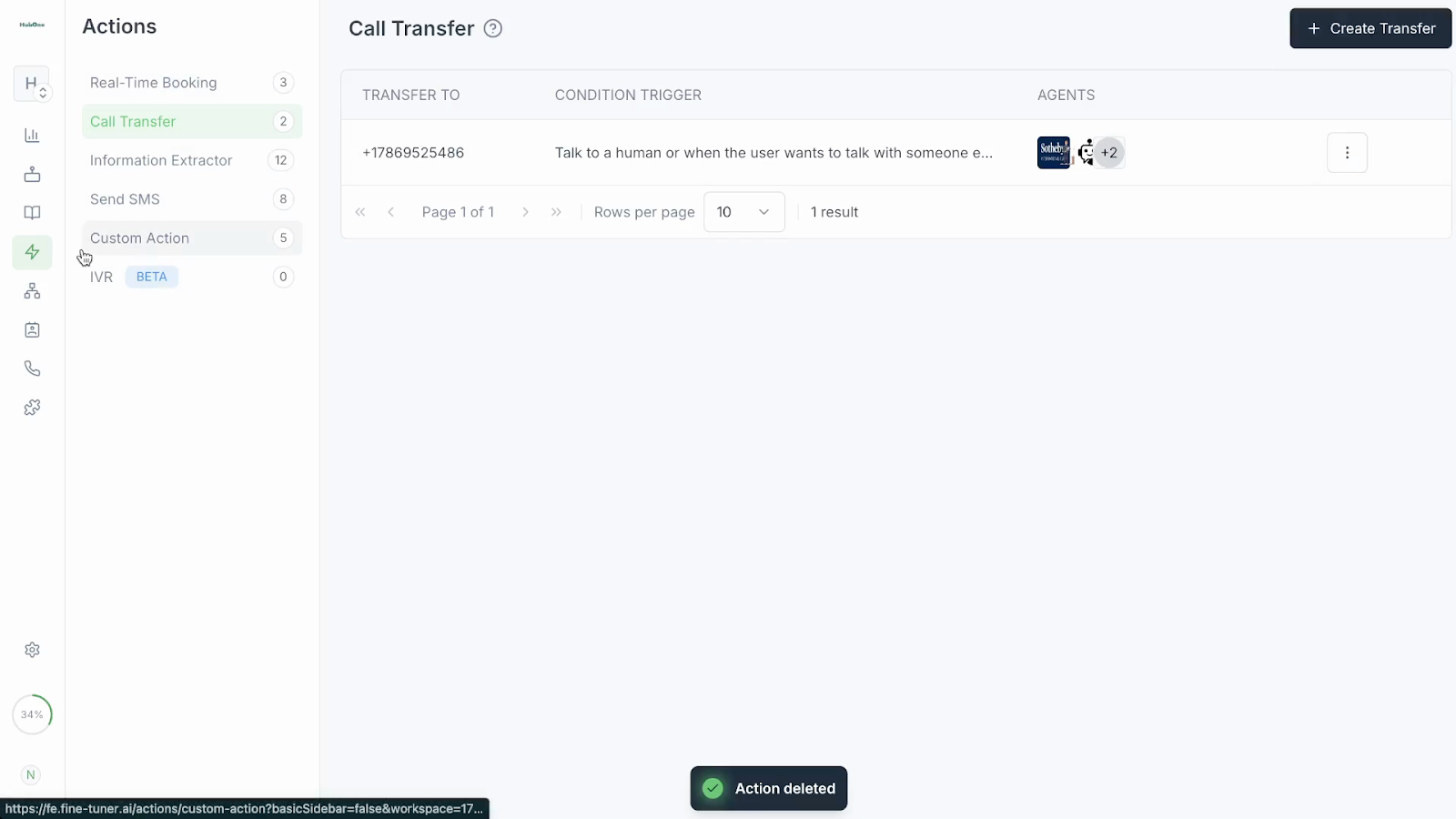
Select Create Transfer. This leads you to the configuration screen where you’ll define how transfers will work.
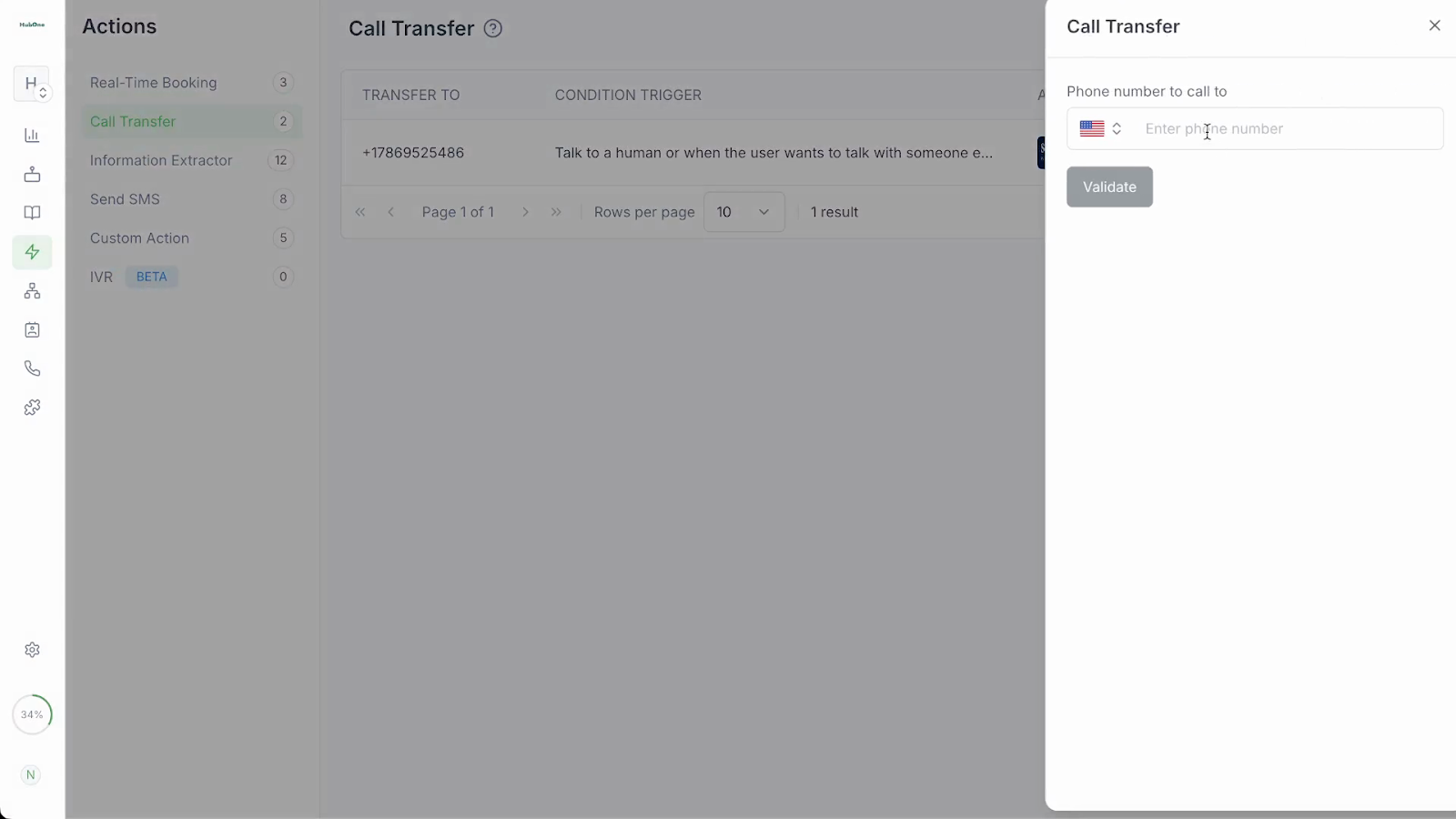
Enter the target phone number or extension and confirm its validity. If valid, you’ll see a toggle or slider presenting two options: “Single Number” (a direct transfer) or “Phone Book” (select from a pre-saved contact group). Choose the best fit for your workflow: use single for fixed destinations, or phone book to enable flexible transfers.
In the text field, input the circumstances that would prompt a transfer - this is essential to ensure the agent understands the use case.
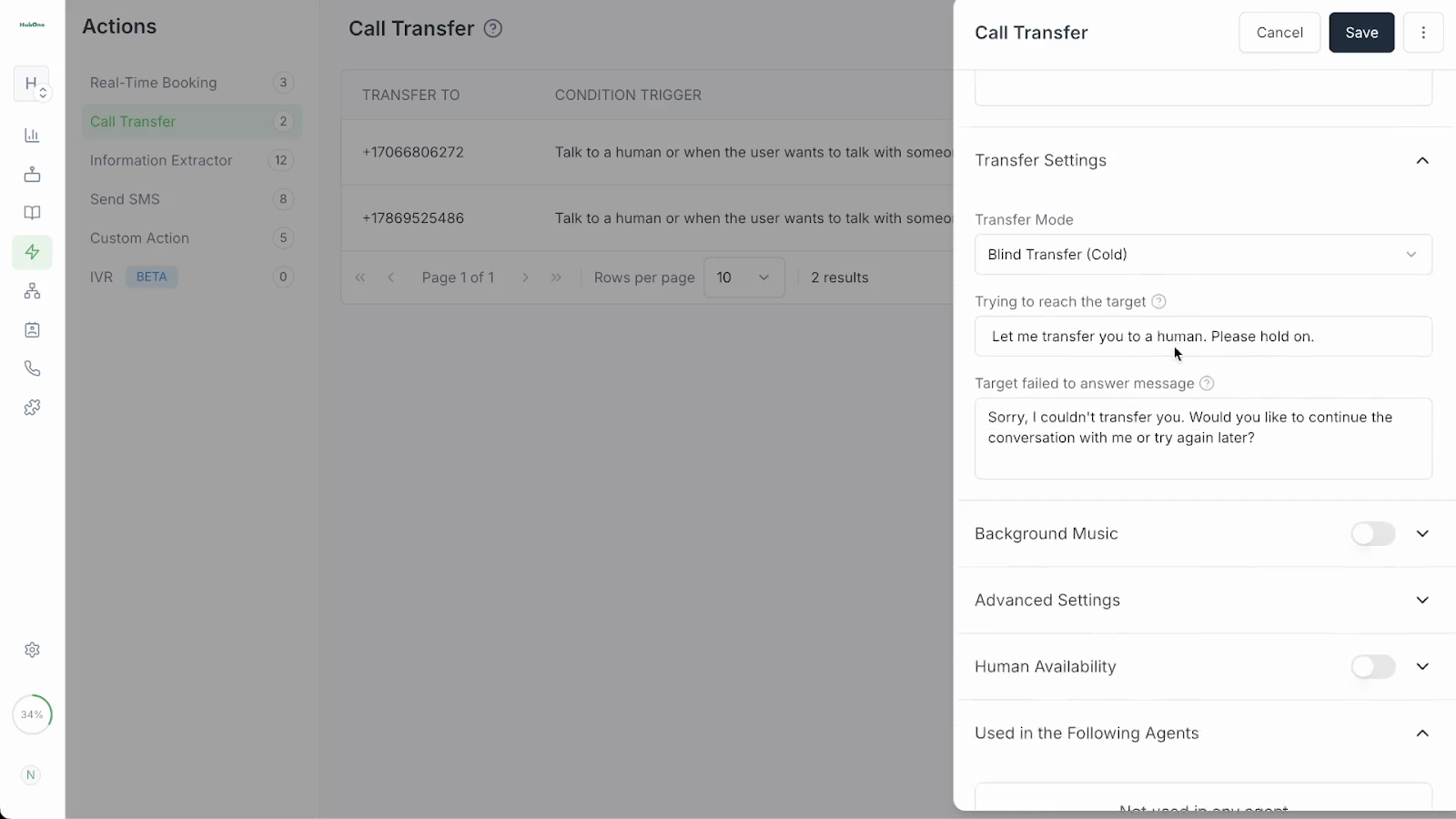
Scroll to the transfer settings section. Here, you will see multiple configurations:
Transfer Mode: each of these has different prompt requirements, please read through the fields to ensure the transfer is done correctly:
Cold Transfer
Warm with Message
Warm with Contextual Summary
Background music
Extension and Timeout configuration
Human availability
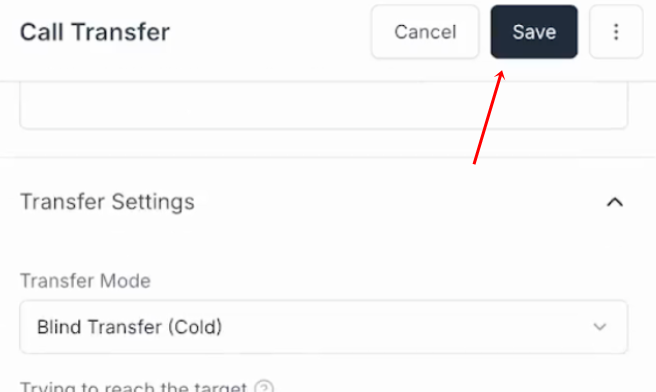
Save your settings using the "Save" button.
Assign the call transfer action to an agent. Open the desired agent’s profile and inside During The Call, select your desired transfer action.
Best Practices & Tips:
Double-check numbers/extensions before saving to avoid misdirected calls.
For important or complex cases, always use a warm transfer with a clear summary.
Set working hours accurately so transfers route only during correct times.
Announce transfers to callers with custom prompts for better customer experience.
Use confirmation dialogs to prevent accidental transfers or deletions.