
Connect your Google Calendar for the agent to book apppointments directly
This article explains how to connect a Google Calendar for the agent to book appointments
Navigate to the order details page of Aigent, and look for “Connect Google Calendar” button
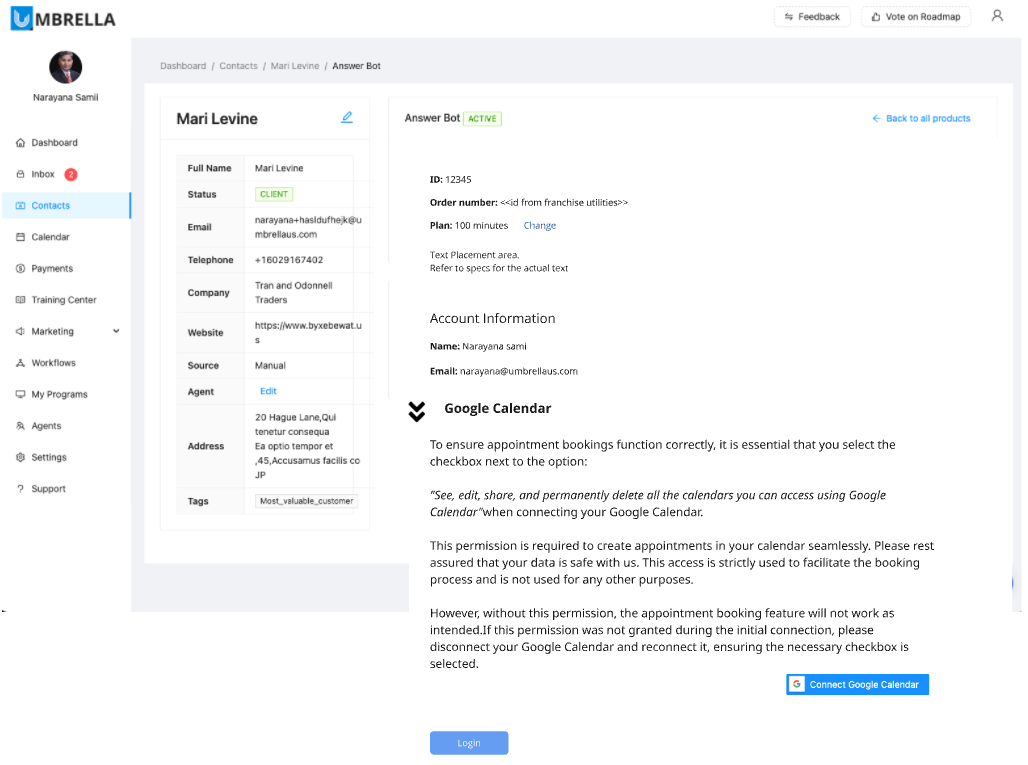
Click on “Connect Google Calendar” which will take the next page on Google.
Here select the Google account has to be connected.
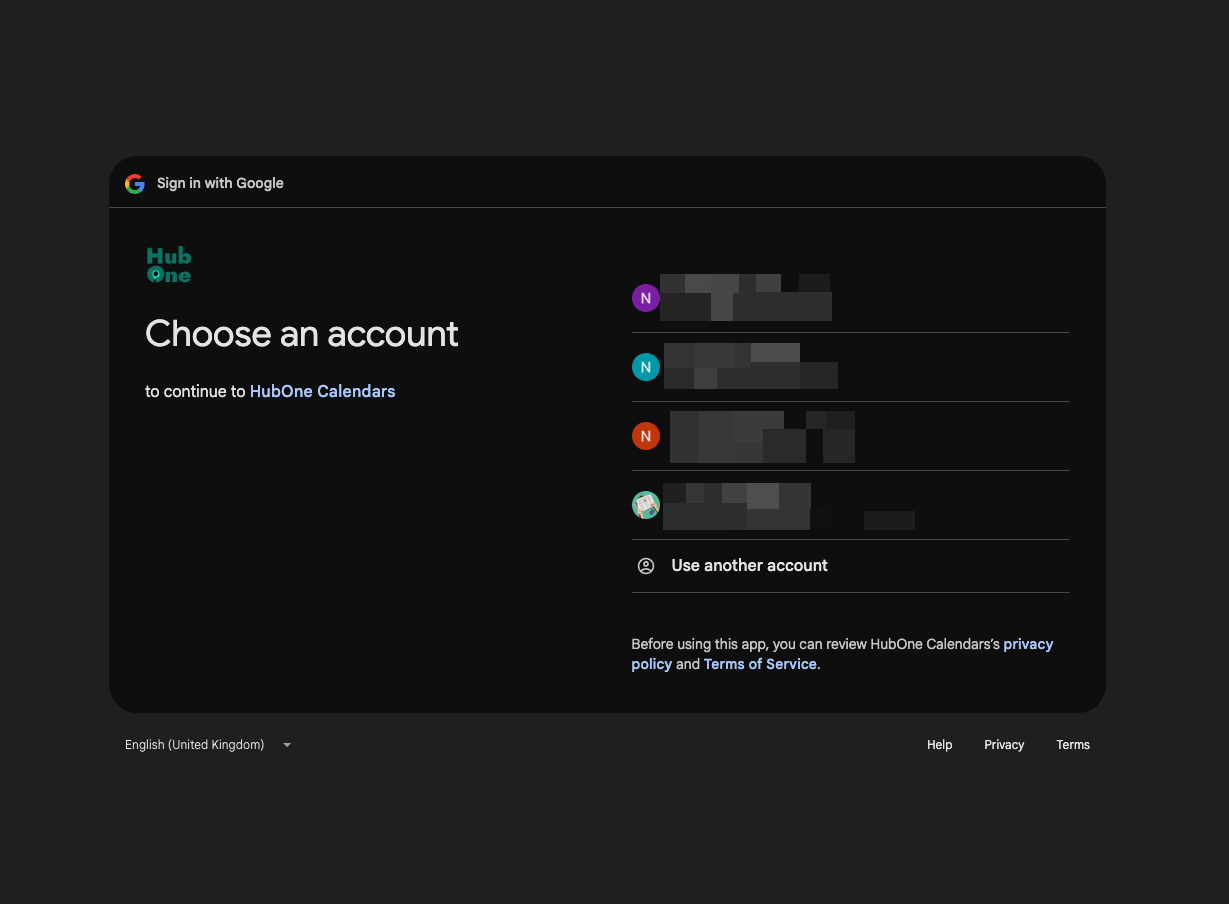
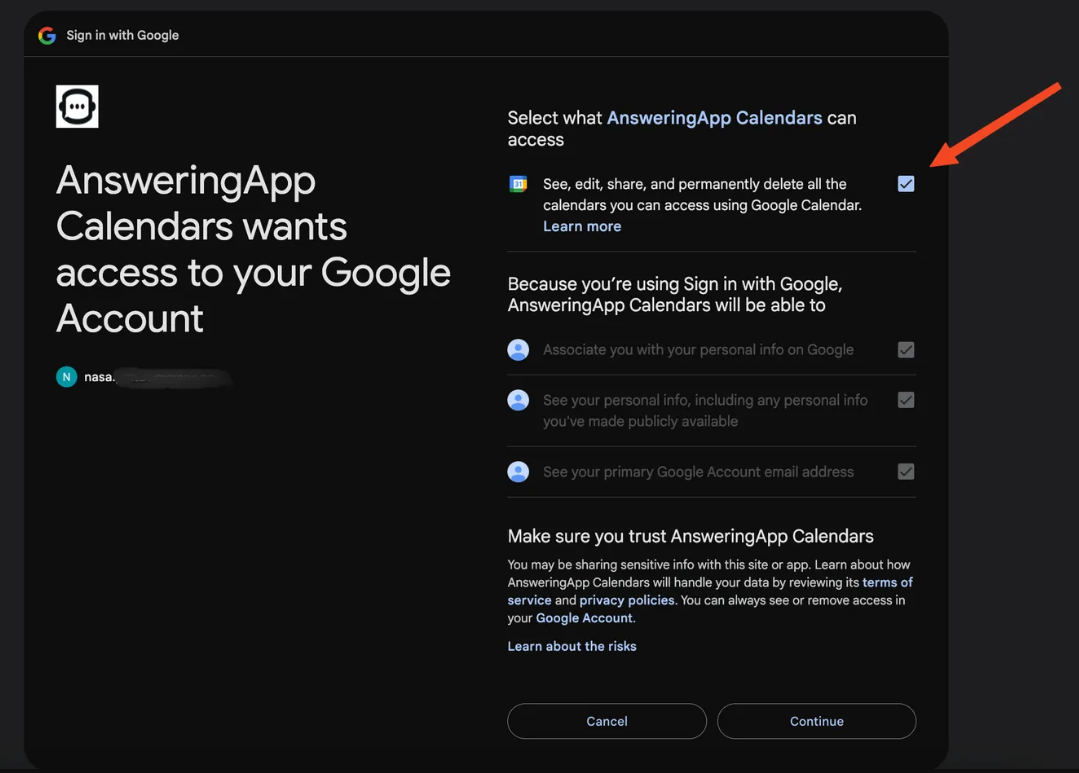
One the next page, select all the permissions that Google prompts with.
Click “Continue” after selecting the checkbox that Google shows
Click “Allow”
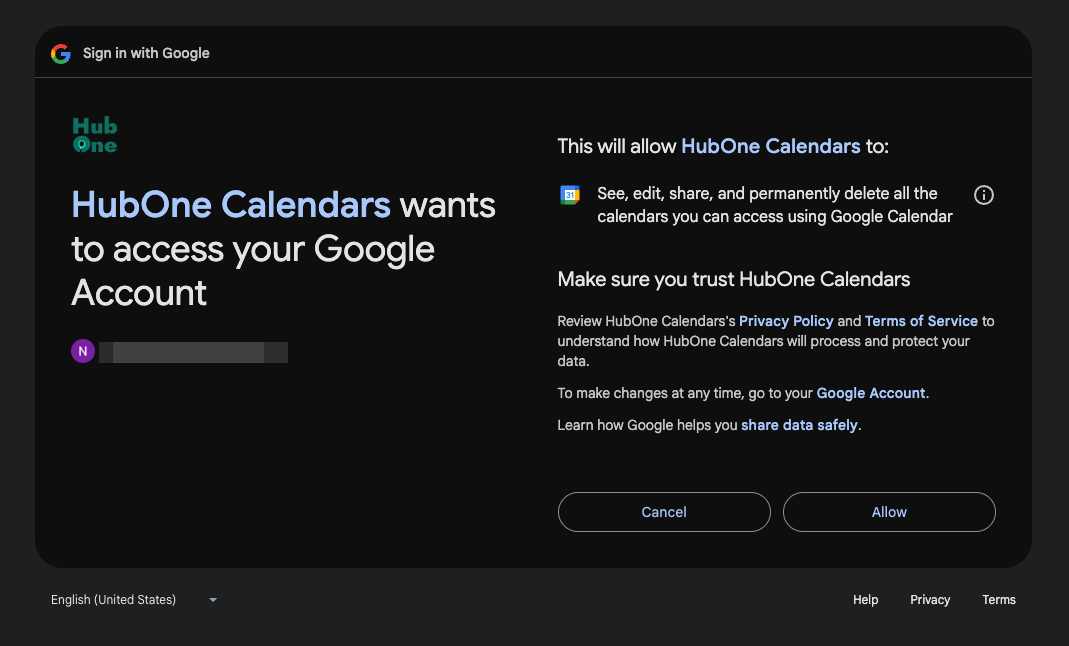
This will return back to agent page on the platform.